The Christian community app
Growing Together
Growing Together
in Jesus Christ.
Read the Bible, join prayer rooms, connect with your church, follow Bible plans, watch sermons and keep your notes — all in one place.
- Scripture at the centre
- Prayer with friends
- Your church, connected
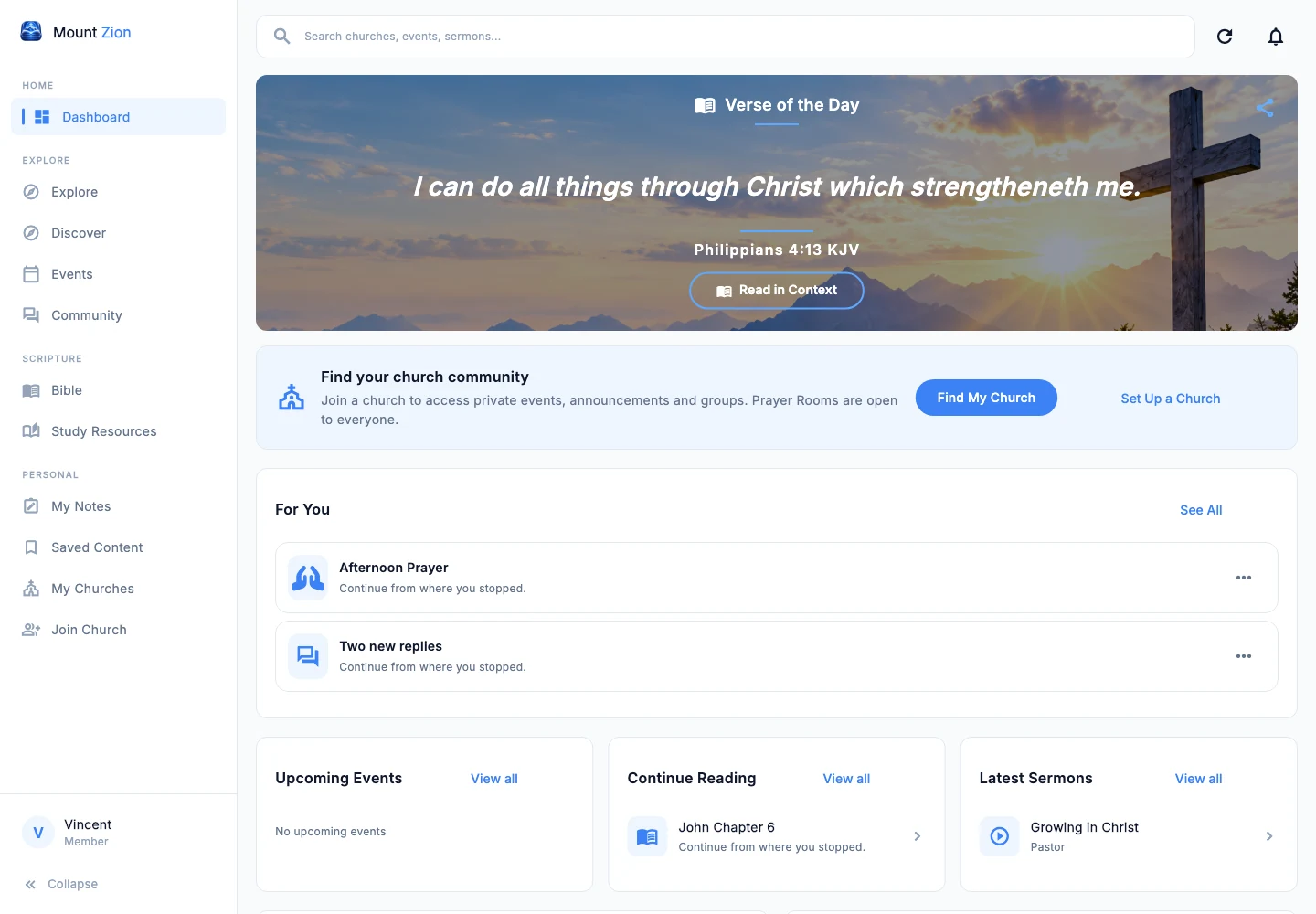
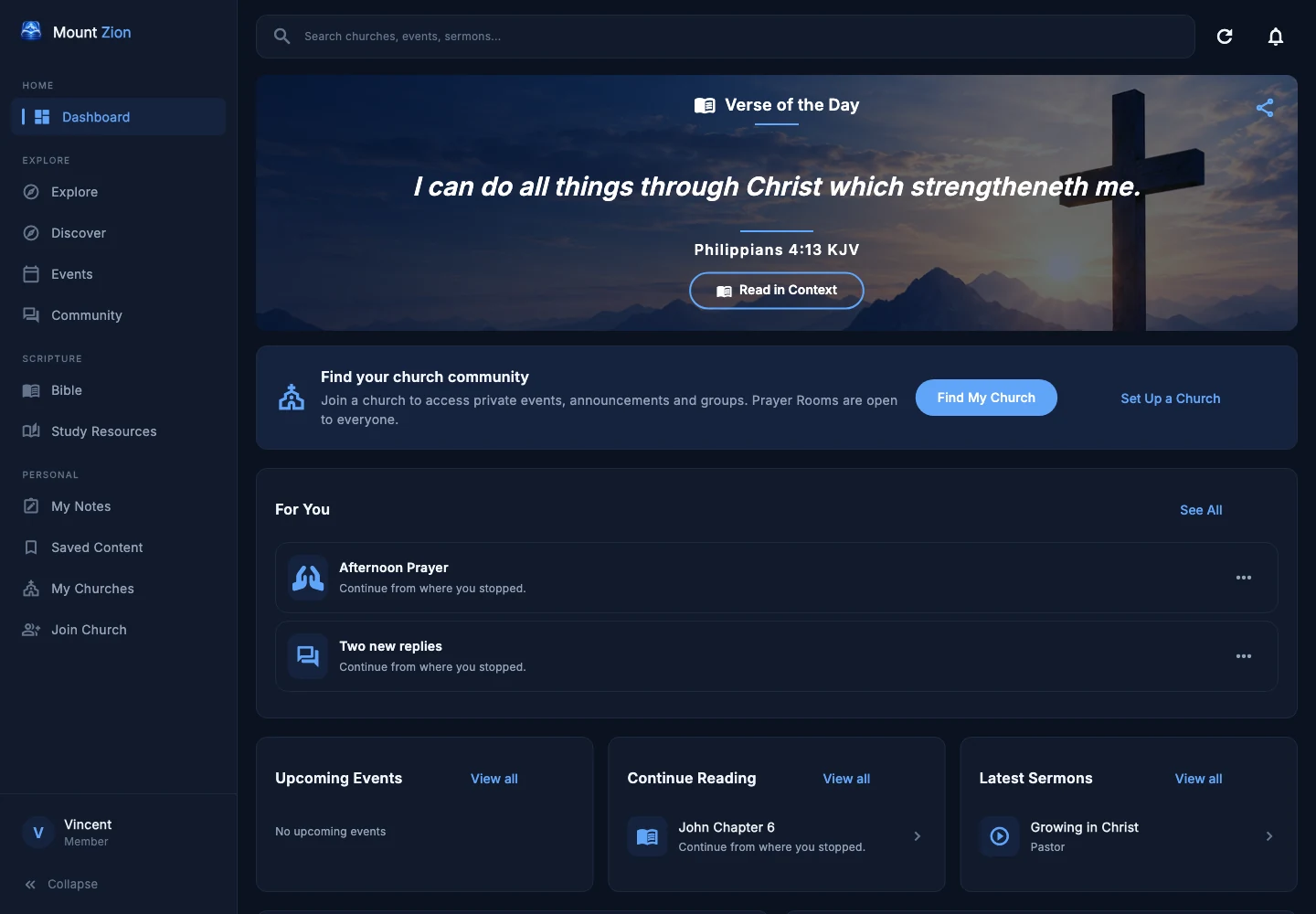
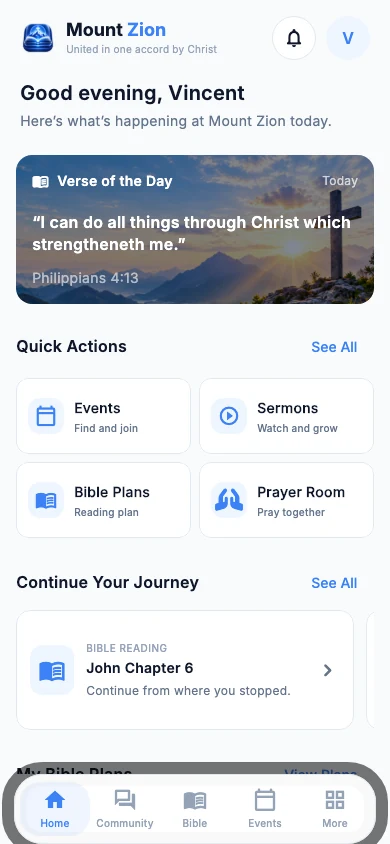
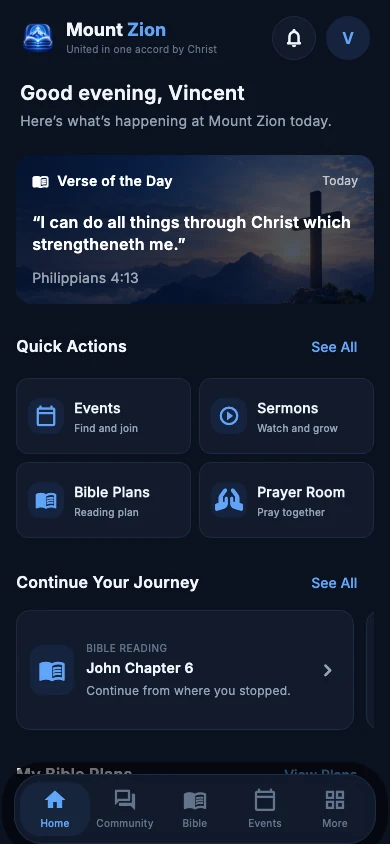
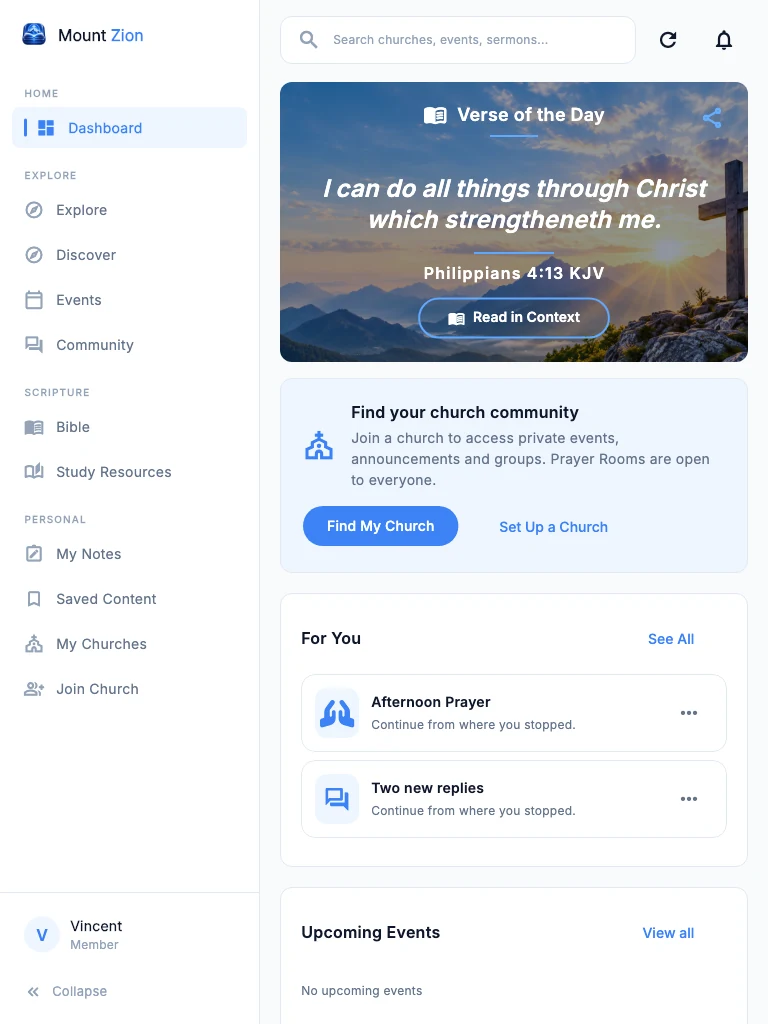
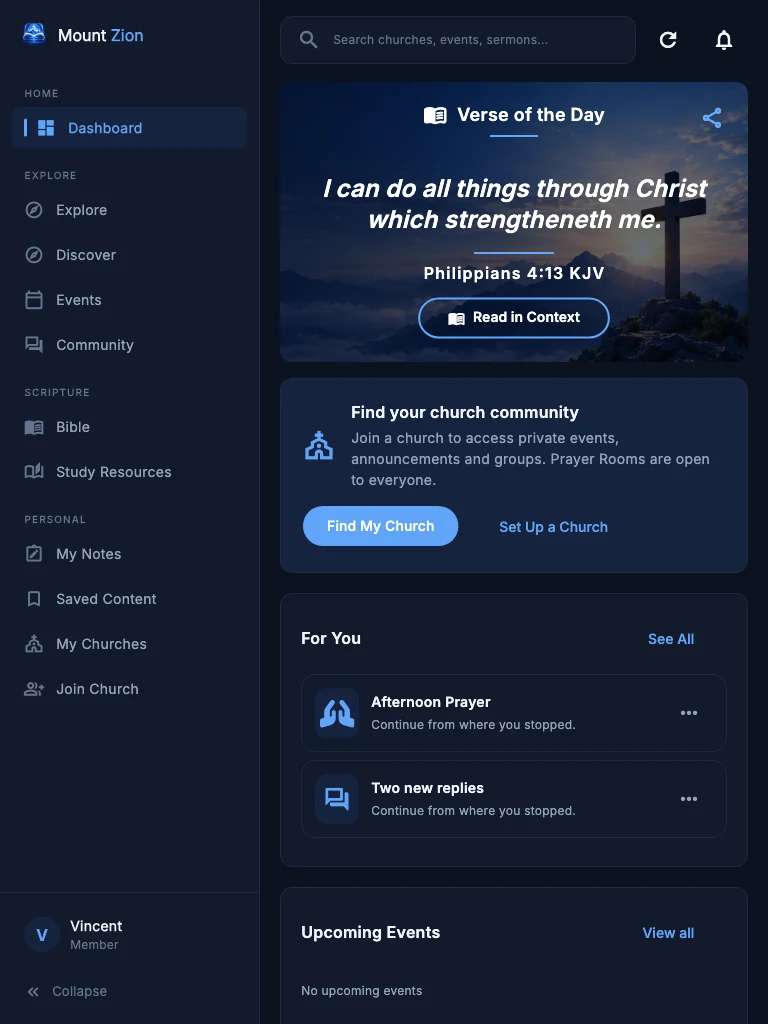
Bible & Bible Plans
Read Scripture and follow plans at your own pace.
Prayer Rooms
Gather with friends and your church to pray together.
Church Community
Stay connected and take part in shared church life.
Sermons
Watch and listen to accessible church teaching.
Programs & Events
Find gatherings, services and learning programs.
Notes & Study
Keep personal notes and explore related Scripture.
Find your way in
iPhone & iPad
Android devices
Desktop & laptop
Mac computers
Mount Zion on your devices.
Choose your platform. Public releases are being prepared; availability will appear here when each release is ready.
Android
DownloadComing soonWindows
DownloadComing soonmacOS
DownloadComing soonMount Zion is not publicly available yet. No download is required to explore this page.
Try the Web App
Read, connect and grow in your browser. The web app will open separately from this website.
Web app coming soonPreparing for public accessA little every dayContinue your journey
Continue your journey
in the Word.
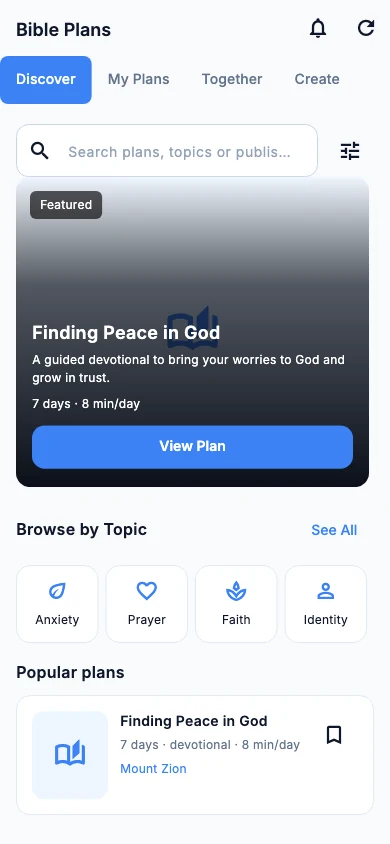
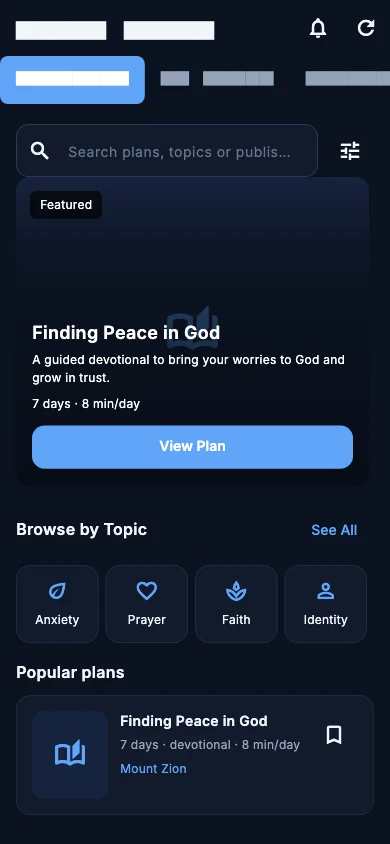
Pick up where you left off. Read Scripture, follow a reading or devotional plan, and make room for reflection — at a pace that works for you.
- Resume your saved Bible reading position
- Track completed plan days, without pressure
- Create personal plans or study together
Scripture. Reflection. Prayer.
Keep what matters
close to your heart.
Together in prayerDifferent places.
Different places.
One place to pray.
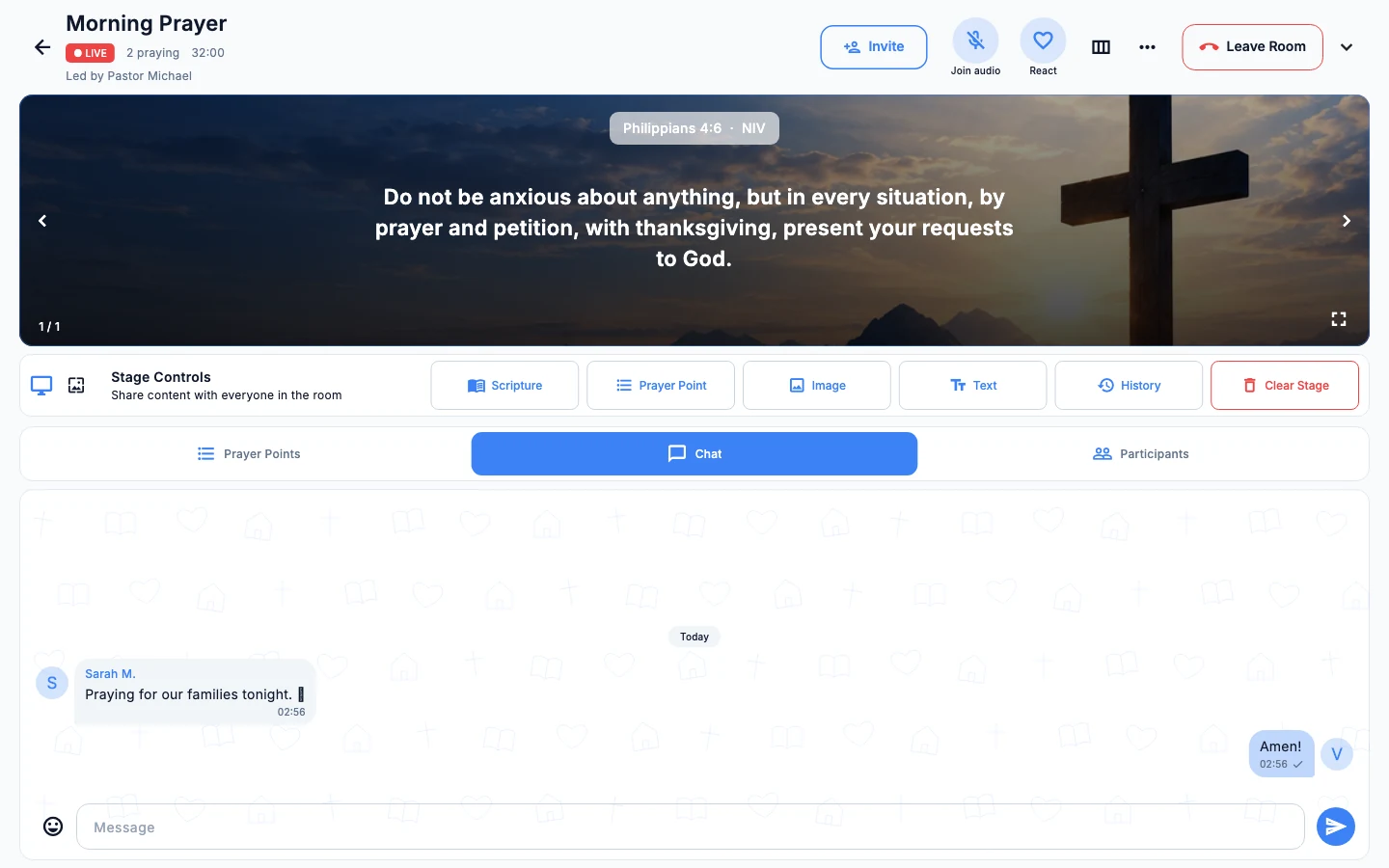
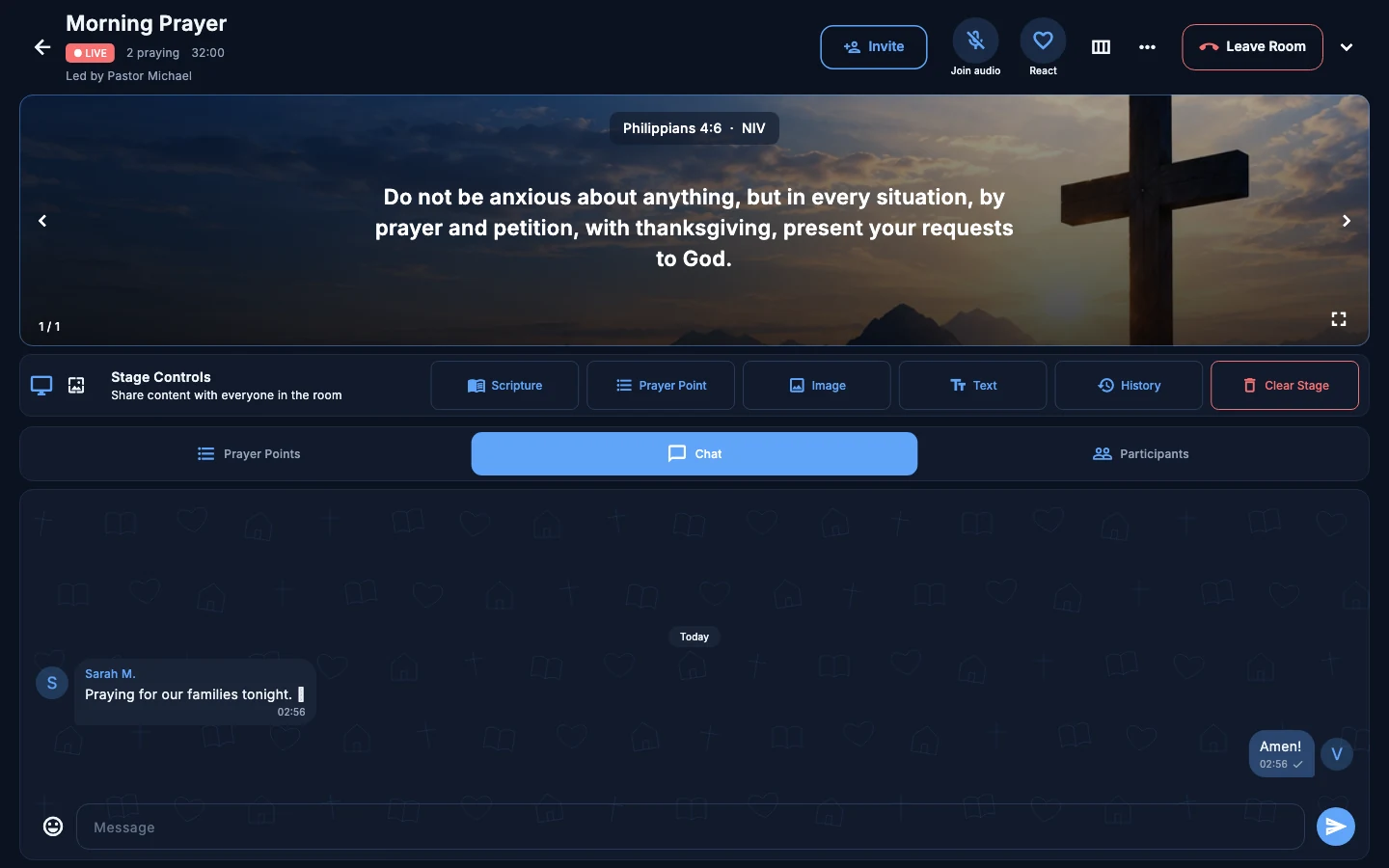
Gather around a shared stage with Scripture, prayer points and conversation. Invite Mount Zion members or send an email invitation to a friend.
Friends are welcomeEmail invitations keep the room in mind through registration.
Stay centred on ScriptureShare passages and prayer points on the room’s stage.
Room for everyoneFollow along, chat and join audio where supported.
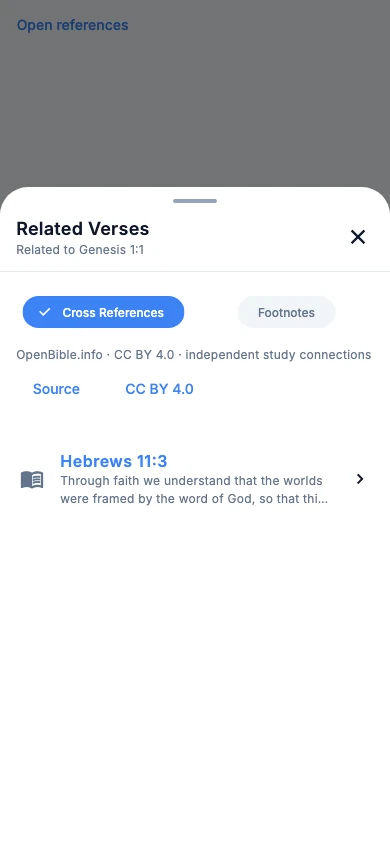
Go a little deeperFollow the connections.
Follow the connections.
Keep your place.
Explore related passages without losing your original chapter. Preview Scripture, read it in context when you choose, and keep your own study notes.
References and translations depend on the available Bible source. Personal notes and reflections stay private unless you choose to share them.
For your church familyChurch life,
Web app coming soon
Church life,
closer together.
Connect with your church’s announcements, events, services and community in one shared space. Leaders can coordinate church life through the app’s existing roles and permissions.
A space for your church
Register a church or join an existing one through Mount Zion.
Keep everyone informed
Share announcements and coordinate services, programs and events.
The right access
Church membership and approved roles guide who can see and manage content.
 United in one accord by Christ.
A few things to knowYour questions,
Your questions,
answered.
Getting to know Mount Zion.
What is Mount Zion?
Mount Zion brings Bible reading, Bible plans, prayer rooms, personal notes and church community into one application from Maphari Technologies.
Do I need to belong to a church?
You can use individual Bible and study features without joining a church. Church-specific spaces require eligible membership. A Prayer Room invitation does not automatically make you a member of the inviter’s church.
How can I download or use the web app?
Mount Zion is preparing for public release. The download section will show verified links as each platform becomes available. The web app will be hosted separately at mountzionapp.mapharitechnologies.com.
Can I invite a friend to pray?
Prayer Rooms support member invitations and email invitations. A friend who needs an account can register with the invitation’s recipient email and then confirm joining the invited room. The app checks whether the invitation and room are still available.
Can I create and publish Bible Plans?
Members can create personal reading and devotional plans. Church publishing requires authorization from the church. Global public publishing requires approved publisher status and a separate review of the submitted plan.
Which Bible translations can I read?
The reader lets you choose from translations available through Mount Zion’s Bible provider. Text, footnotes, references and offline availability vary by translation and provider permissions.
Are my notes and reflections automatically shared?
No. Personal notes and plan reflections remain private. Participating in a group study does not automatically publish your journal responses.
Read. Connect. Pray. Grow.
Make space for your journey in Christ.
Explore release availability